Why Password Security Matters
In 2026, cybersecurity threats are more sophisticated than ever. Your passwords are the first line of defense against unauthorized access to your personal and professional accounts.
Characteristics of Strong Passwords
A strong password should have these characteristics:
- Length: At least 12-16 characters (longer is better)
- Complexity: Mix of uppercase, lowercase, numbers, and symbols
- Uniqueness: Different password for each account
- Unpredictability: Avoid dictionary words, personal information, and common patterns
Password Strength Examples
- ❌ Weak: password123, john1990, qwerty
- ⚠️ Medium: John@1990, MyPassword!
- ✅ Strong: K9$mP2#vL8@qR5nX, Tr0pic@l-Sunr!se-2026
Common Password Mistakes
Avoid these common mistakes that compromise security:
- Using the same password across multiple accounts
- Including personal information (birthdays, names, addresses)
- Using simple patterns (123456, abcdef, qwerty)
- Sharing passwords via email or text
- Writing passwords on sticky notes
- Never changing passwords
- Using short passwords (less than 8 characters)
Password Managers
Password managers are essential tools for modern security. They help you:
- Generate strong, unique passwords
- Store passwords securely with encryption
- Auto-fill login forms
- Sync across devices
- Audit password strength
- Alert you to breached passwords
Popular Password Managers
- 1Password
- LastPass
- Bitwarden (open-source)
- Dashlane
- KeePass (offline)
Two-Factor Authentication (2FA)
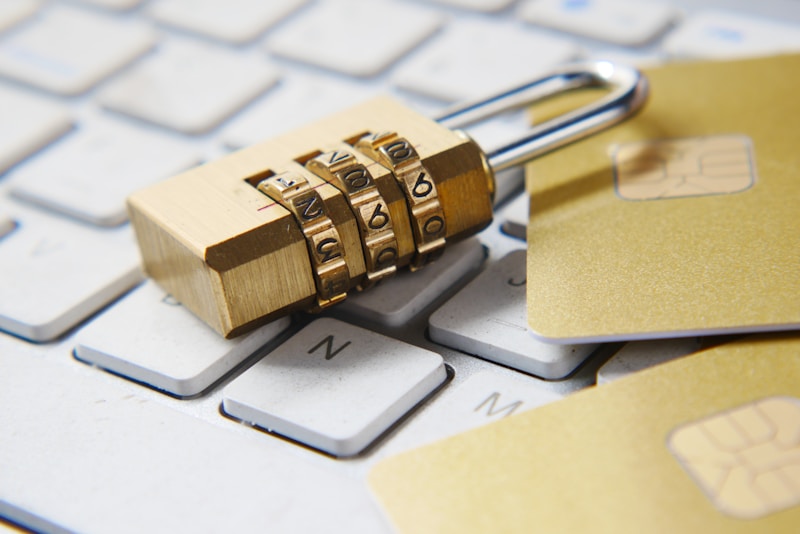
2FA adds an extra layer of security beyond just passwords.
Types of 2FA
- SMS Codes: Text message verification (least secure)
- Authenticator Apps: Time-based codes (Google Authenticator, Authy)
- Hardware Keys: Physical devices (YubiKey, Titan Security Key)
- Biometric: Fingerprint or face recognition
Always enable 2FA on important accounts like email, banking, and social media.
Creating Memorable Strong Passwords
Use these techniques to create passwords that are both strong and memorable:
Passphrase Method
Combine random words with numbers and symbols:
- correct-horse-battery-staple-42!
- Blue$Elephant#Dancing@Moon7
Sentence Method
Take the first letter of each word in a sentence:
- "I love to eat pizza on Friday nights!" → ILt3p0Fn!
- "My dog was born in 2020 and loves treats" → Mdwbi2020<3
Password Rotation
When and how often should you change passwords?
- Change immediately if you suspect a breach
- Update after using public/shared computers
- Change every 3-6 months for critical accounts
- Don't reuse old passwords
- Update default passwords immediately

Checking for Breached Passwords
Use these services to check if your passwords have been compromised:
- Have I Been Pwned: Check if your email/password appears in data breaches
- Password Checkup: Browser extensions that alert you to compromised passwords
- Built-in Browser Tools: Chrome, Firefox, and Safari now include breach monitoring
Business Password Policies
Organizations should implement these password policies:
- Minimum password length requirements
- Complexity requirements
- Regular password audits
- Mandatory 2FA for all accounts
- Password manager deployment
- Security awareness training
- Incident response procedures
Recovery and Backup
Prepare for password emergencies:
- Set up account recovery options
- Keep backup codes in a secure location
- Use multiple recovery methods
- Document emergency access procedures
- Regularly test recovery processes

Conclusion
Password security is fundamental to protecting your digital life. Use strong, unique passwords for every account, enable two-factor authentication, and consider using a password manager. Stay vigilant and regularly review your security practices to stay ahead of evolving threats.