Understanding Git Version Control
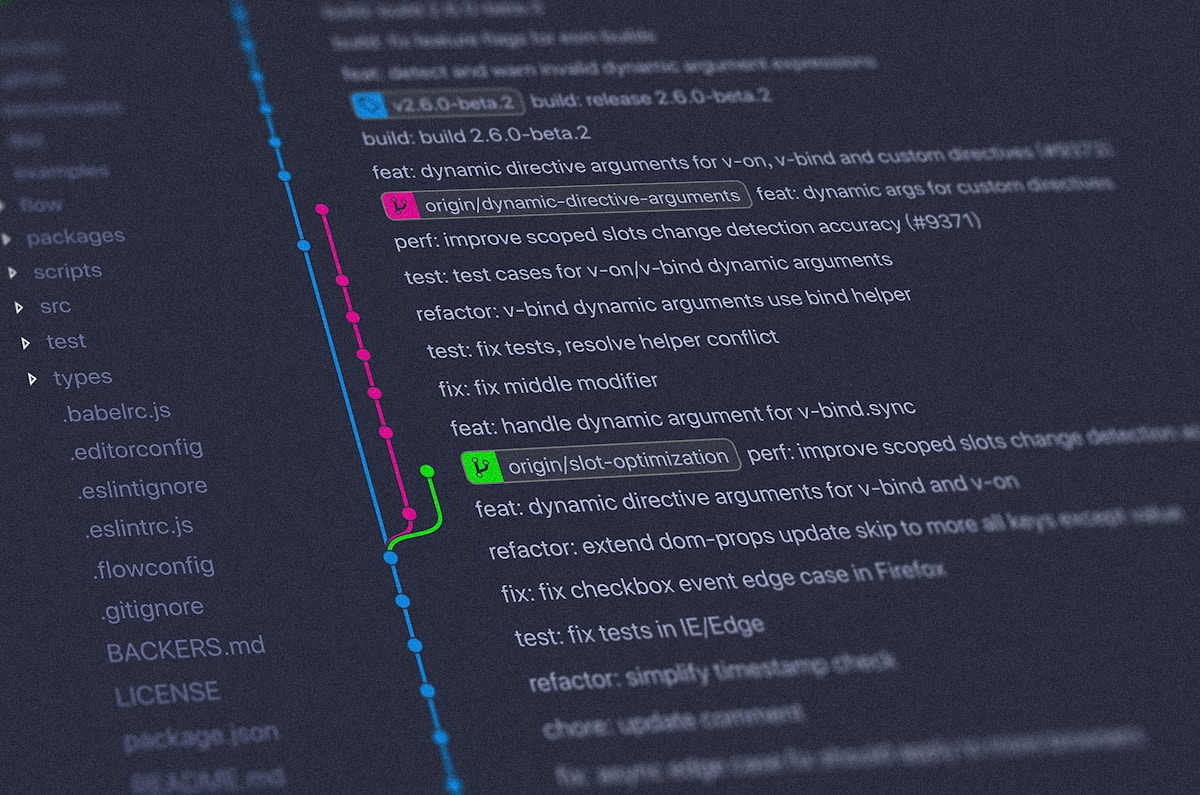
Git is the most popular version control system used by developers worldwide. It tracks changes in code, enables collaboration, and provides a complete history of your project. Mastering Git is essential for modern software development.
Git Basics
Essential Commands
# Initialize repository
git init

# Clone repository
git clone https://github.com/user/repo.git

# Check status
git status

# Add files
git add filename.txt
git add .  # Add all files

# Commit changes
git commit -m "Commit message"

# Push to remote
git push origin main

# Pull from remote
git pull origin main
Branching Strategies
Git Flow
- main: Production-ready code
- develop: Integration branch
- feature/*: New features
- release/*: Release preparation
- hotfix/*: Emergency fixes
Branch Commands
# Create branch
git branch feature-name

# Switch branch
git checkout feature-name
# or
git switch feature-name

# Create and switch
git checkout -b feature-name

# Merge branch
git merge feature-name

# Delete branch
git branch -d feature-name
Commit Best Practices
- Write clear, descriptive messages
- Use present tense ("Add feature" not "Added feature")
- Keep commits atomic and focused
- Commit frequently
Commit Message Format
type(scope): subject

body

footer

# Example:
feat(auth): add user login functionality

Implement JWT-based authentication with email and password.
Add login form and validation.

Closes #123
Advanced Git Operations
Rebasing
# Rebase current branch
git rebase main

# Interactive rebase
git rebase -i HEAD~3

# Continue after resolving conflicts
git rebase --continue
Cherry-picking
# Apply specific commit
git cherry-pick commit-hash
Stashing
# Save work temporarily
git stash

# List stashes
git stash list

# Apply stash
git stash apply

# Apply and remove
git stash pop
Resolving Conflicts
# When conflict occurs
1. Open conflicted files
2. Look for conflict markers:
   <<<<<<< HEAD
   Your changes
   =======
   Their changes
   >>>>>>> branch-name
3. Resolve manually
4. git add resolved-file
5. git commit
Git Workflows
Feature Branch Workflow
- Create branch for each feature
- Develop in isolation
- Merge when complete
Forking Workflow
- Fork repository
- Clone your fork
- Create pull request
- Maintainer reviews and merges
Git Hooks
Automate tasks at specific Git events:
- pre-commit: Run linters before commit
- pre-push: Run tests before push
- post-merge: Update dependencies after merge
Useful Git Commands
# View commit history
git log
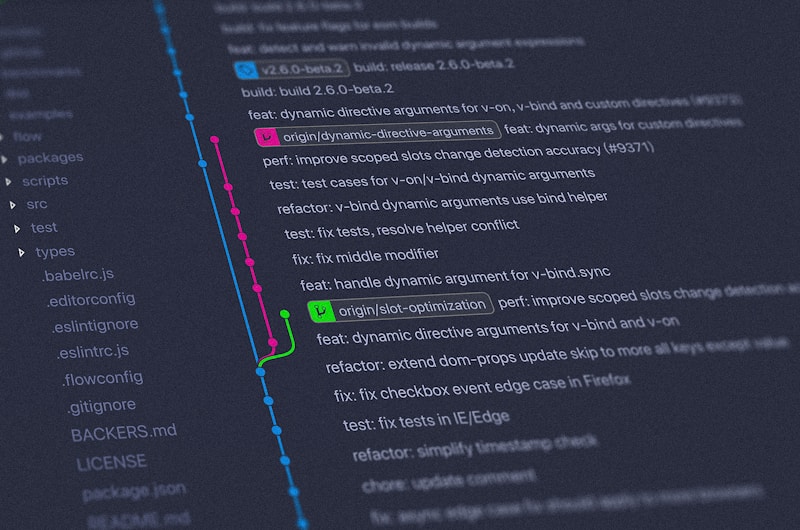
git log --oneline --graph

# Show changes
git diff
git diff --staged

# Undo changes
git reset HEAD~1  # Undo last commit
git revert commit-hash  # Create new commit that undoes

# Clean untracked files
git clean -fd

# Tag releases
git tag v1.0.0
git push origin v1.0.0
Git Best Practices
- Commit early and often
- Write meaningful commit messages
- Keep branches short-lived
- Pull before you push
- Use .gitignore properly
- Never commit sensitive data
- Review code before merging
Conclusion
Git is a powerful tool that becomes more valuable as you master it. Practice these commands, understand the workflows, and follow best practices to collaborate effectively and maintain clean project history.